A Filthy Subscription Tracker – Simple Subscription Tracker App

TLDR: I built a subscription tracker that has no login, no signup and no access to your bank. You type in what you pay, it shows you the yearly number, and then you get to feel bad about it.
- 1: Free on iPhone and Android, no account needed
- 2: Four ways to see your recurring bills: grid, pie, swarm and bubbles
- 3: Shows monthly total next to the yearly projection, which is the number that actually hurts
- 4: Everything stays on your phone


What is this subscription tracker?
A Filthy Subscription Tracker is a subscription tracker app for iPhone and Android. You add your recurring bills, it adds them up, and it draws you a picture of where your money goes every month. That is the entire app. There is no clever bit I am hiding from you.
I built it after opening a bank statement and finding four things I had completely forgotten I was paying for. One of them was a gym I had been to twice. In fairness to the gym, that is my fault and not theirs. I have made games for years now, things like Galaxy Raiders and P For Pistol, and somehow I never once sat down and added up my own outgoings. Making a whole app to avoid a five minute spreadsheet is very much my style.
The name is deliberate. The truth about your finances is usually a bit filthy, and I did not want to dress it up with a friendly onboarding flow that congratulates you for being brave enough to look.
How it works
You open the app and it is empty. There is a pigeon. The pigeon wants you to add something.
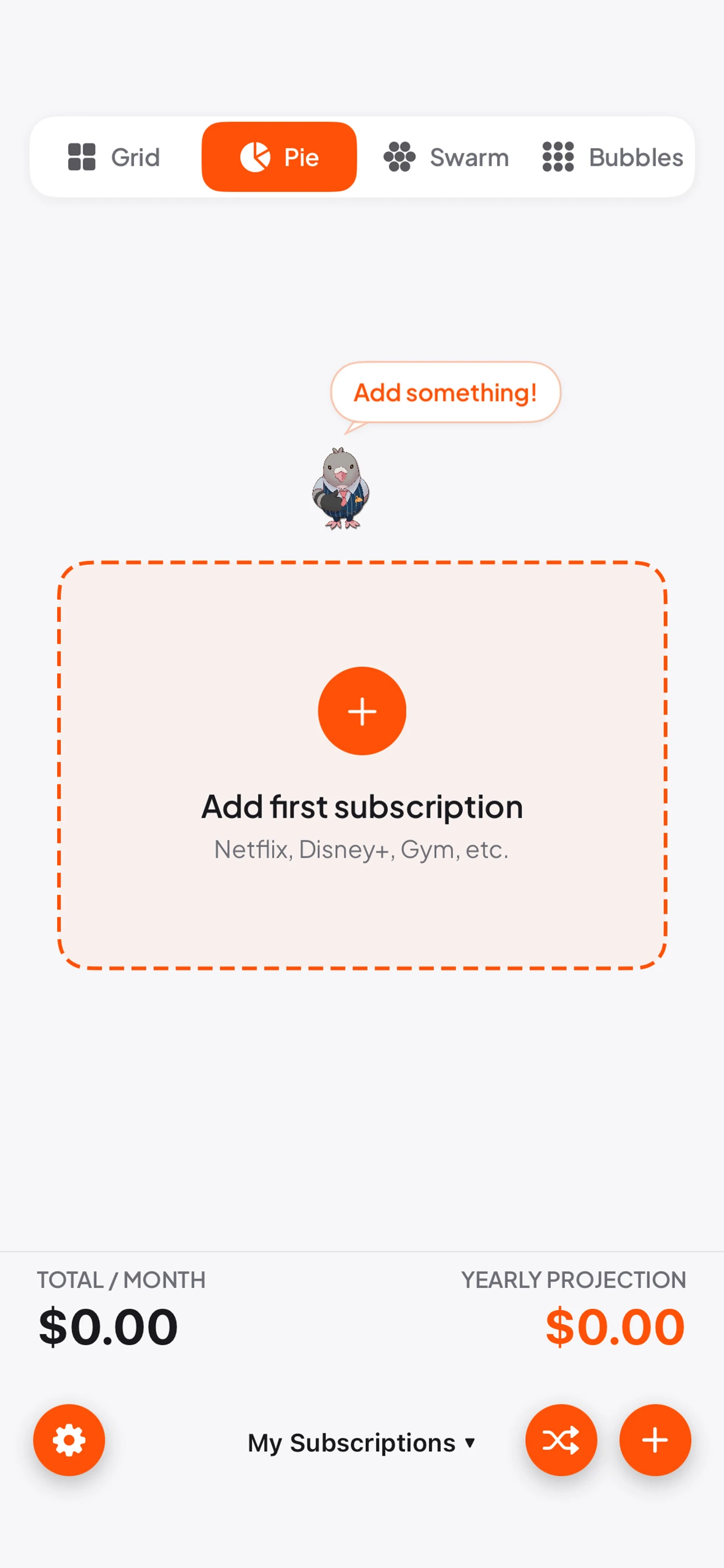
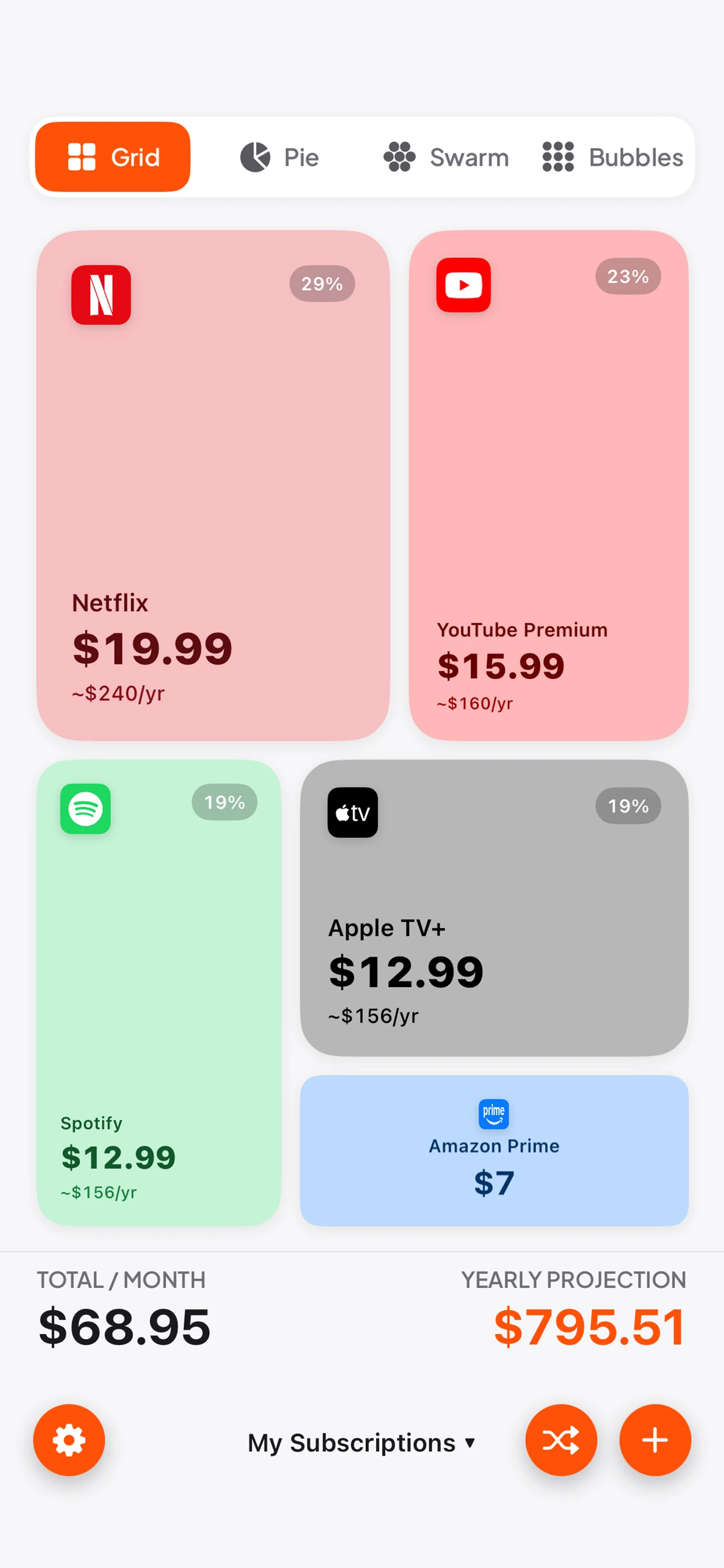
You tap the plus, type the name of the thing, type what it costs, and pick how often it bills. Monthly, annual, whatever you are locked into. Then you do it again for the next one. It takes about two minutes to track recurring bills you already know about, and about twenty if you have to go digging through your emails, which is itself quite a useful thing to learn about yourself.
Along the bottom you get two numbers that never go away. Total per month, and the yearly projection. The monthly number is the one you tell yourself is fine. The yearly subscription cost is the honest one. Going from "it's only twenty quid" to "that is two hundred and forty pounds a year" is the whole product in one sentence.
It works as a plain monthly expenses tracker too. Nothing stops you adding rent, or the phone contract, or that annual domain renewal you forget every single year until the email lands. If it comes out of your account on a schedule, it belongs in there.
Four ways this subscription tracker shows your bills
The reason I bothered building this instead of using a spreadsheet is that a column of numbers does not really land. A picture does. So there are four views and you can flick between them.
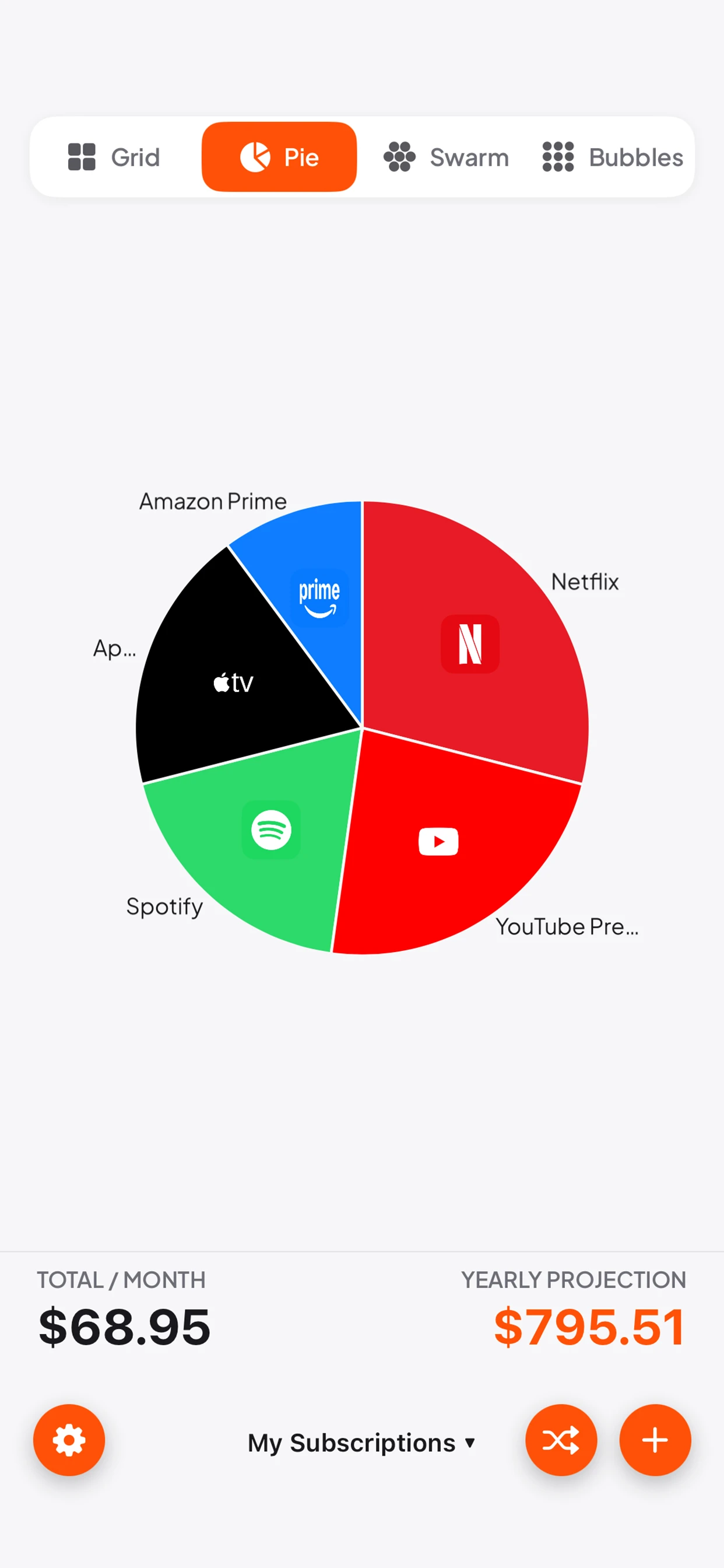
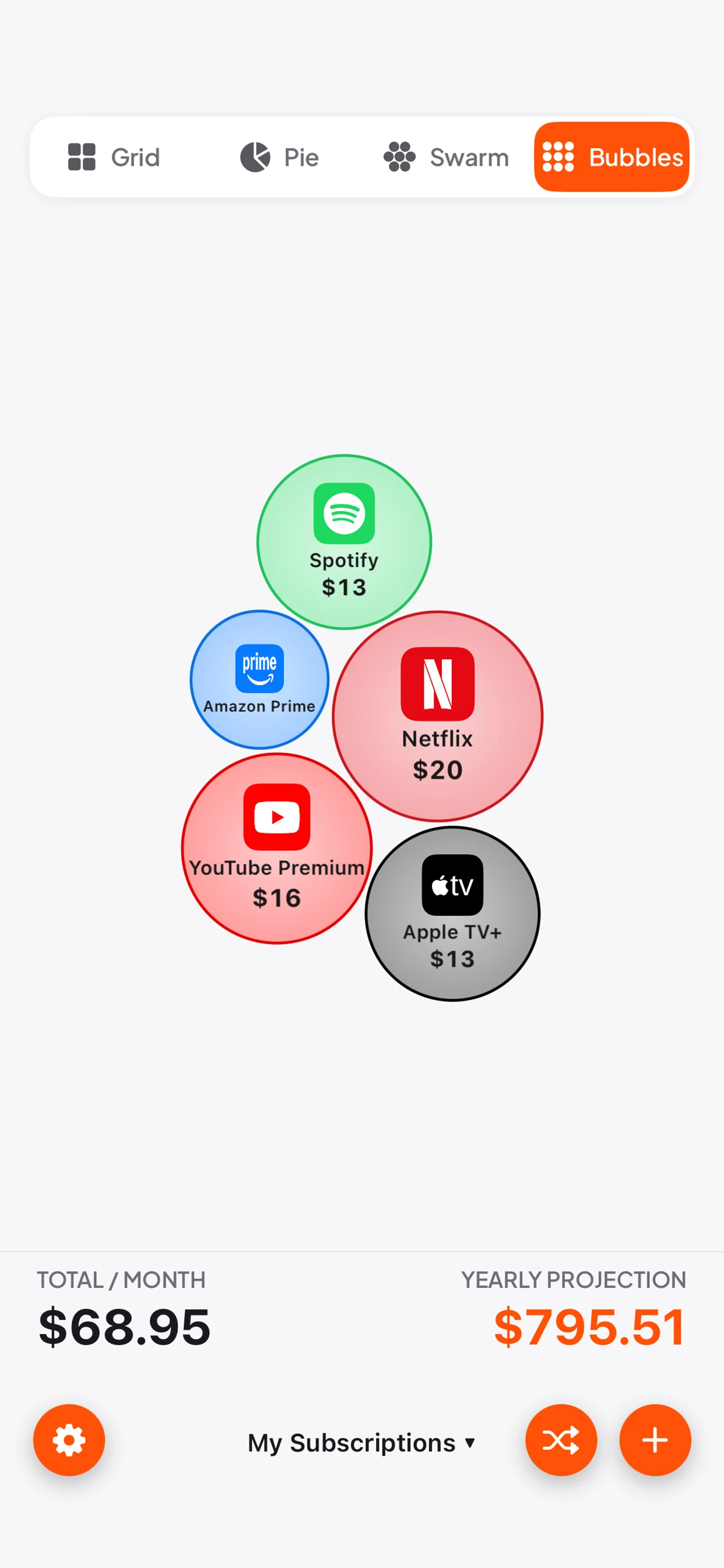
Grid gives you tiles sized by cost, so the expensive things are physically bigger on screen. Pie splits your month into slices. Swarm and Bubbles both float everything as circles scaled by price, which sounds like a gimmick until you see one bubble sitting there enormous next to everything else and realise it is a service you have not opened since March.
That is the point of the visualisation. Nobody cancels a subscription because of a number in a list. People cancel when they can see that one thing is eating a quarter of the pie.
No logins, no bank access
Here is the part I care most about. There is no signup. No email. No password. No "connect your bank to get started". You do not have an account with me because I did not build accounts.
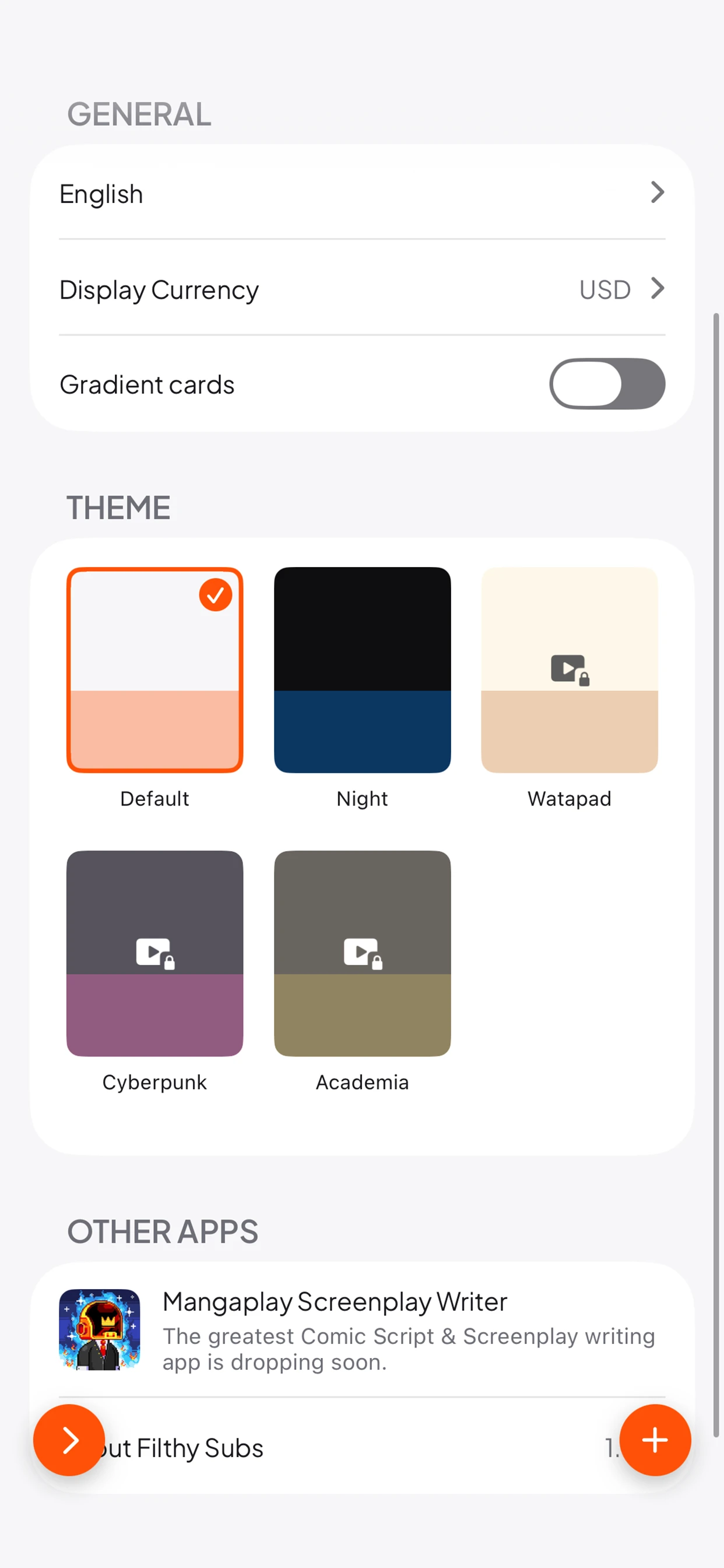
Your data sits on your phone. Set your display currency, pick a theme if the default orange is too much, and get on with it. I am not selling you insurance, I am not brokering a better deal on your broadband, and I have no way of reading your transactions even if I wanted to. If what you wanted was a subscription manager no login required, that is exactly what this is.
The trade-off is real and I should be upfront about it: because the app cannot see your bank, it cannot find subscriptions you forgot about. You have to tell it. If you want software that trawls your statements and surfaces the direct debit you missed, this is not that, and I will tell you what is in a moment.
How it compares to other subscription trackers
I am not going to pretend mine wins on every count, because it does not.
| App | Login | Bank access | Price | Cancels for you |
|---|---|---|---|---|
| A Filthy Subscription Tracker | None | No | Free | No |
| Rocket Money | Account | Required | Free tier, premium approx $6 to $12 a month | Yes |
| Bobby | None | No | Free, small one off unlock | No |
| Subby | None | No | Free tier with paid upgrade | No |
| A spreadsheet | None | No | Free | No |
Rocket Money is the one people mean when they say subscription tracker, and it does something mine flatly cannot. It links to your bank, spots the recurring charges you had genuinely forgotten, and will contact companies to cancel or negotiate on your behalf. If your actual problem is "I do not know what I am paying for", Rocket Money solves that and this app does not. It also wants a subscription of its own, which is a joke that writes itself, and it wants read access to your accounts.
Bobby is the closest thing to what I made and it has been around a long time. Manual entry, no account, clean design. Honestly if you already use Bobby and like it, keep using Bobby. Mine differs mostly in the visualisation. Bobby gives you a tidy list, I give you a pie chart designed to make you flinch.
Subby sits in similar territory with a free tier and an upgrade for the extras. Again, manual entry, no bank link.
And then there is the spreadsheet, which is free, infinitely flexible, and which you will update exactly once. I know this because that was my plan too, and I ended up writing an app instead.
So the honest summary: if you want automatic detection and someone to cancel things on your behalf, pay for Rocket Money. If you want to type in what you pay, see it clearly, and not hand your banking credentials to anybody, use mine or use Bobby. I built mine because I wanted the pictures.
Get it
It is free on both stores. Add your bills, look at the yearly projection, and then go and cancel whichever one is bleeding your budget the hardest. That is the whole job.
One last thing worth saying, since people ask. This is not a cancel subscriptions app in the automated sense. It will not ring anybody up for you. It just makes the damage legible enough that you finally do it yourself, which in my experience is the part that was actually missing.
If you want to know what else I am building on a budget of roughly nothing, I wrote about making money while making your first game, which is a problem I have not fully solved either.